Session replay
Session replay software that shows why users leave
Session replay software records what real visitors do on your site or app, every scroll, click and form step, and plays it back like a video. UserExplorer adds an AI researcher that watches thousands of replays and tells you which moments cost you signups.
- Masking of form fields on by default
- Rage, dead and error clicks marked on the timeline
- Filter by page, device, source or event
- AI summary of every session on paid plans

Step 3 of 4
Verify your phone
Code not delivered. Try again.
What it is
A recording of the visit, rebuilt from the page itself
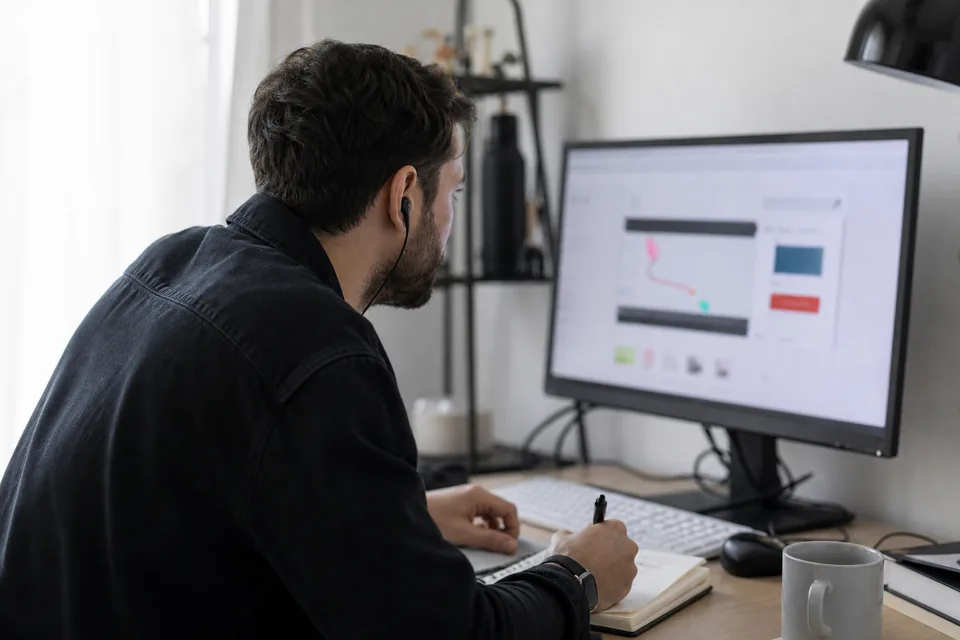
A session replay is not a screen video. Our snippet records changes to the page structure, mouse movement, taps, scrolls and navigation, then rebuilds the visit in the player. That keeps recordings light, sharp at any zoom and safe to store, because text you mark as private never leaves the browser.
Each replay sits next to its context: where the visitor came from, the device and browser, the pages in order, errors in the console and the events your product sends. You can jump straight to the moment that matters instead of watching ten minutes of scrolling.
Replays answer the question numbers cannot. Your funnel analysis shows that 40 percent of people leave the pricing step. The replays of those visits show the coupon field that resets the cart, or the button that sits under the cookie notice of your own site on small phones.
In the player
Everything you need to understand one visit in two minutes
The player is built for finding the problem fast, not for watching whole sessions.
Skip inactivity
Idle time is cut automatically, so a 14 minute visit plays in under three minutes without losing a click.
Frustration markers
Rage clicks, dead clicks and error clicks appear as markers on the timeline. Read more on rage click tracking.
Page path and events
A side list shows every page and custom event with timestamps. Click any line to seek there.
Console and network errors
JavaScript errors and failed requests are attached to the exact second they happened.
Notes and sharing
Leave a note at a timestamp and share a link with your team. Links respect project permissions.
AI session summary
On paid plans the AI researcher writes a short summary of what the visitor tried to do and where it went wrong.
Find the right replays
Search ten thousand sessions the way you think about users
Filter recordings by page visited, traffic source, campaign, country, device, browser, custom event, user property or frustration signal. Save a filter as a segment and reuse it across heatmaps, funnels and the AI researcher.
Useful segments to save are visitors from paid search who reached checkout and left, trial users who never created a project, and mobile visitors with a rage click on any form.
412 sessions of 15,862 match, sorted by frustration
- Visitor 8F21, iPhone /pricing > /checkoutRage x6Error 04:12
- Visitor 2C77, Android /product > /checkoutRage x4 02:48
- Visitor A913, iPhone /checkoutDead clickU-turn 01:35
- Visitor 51D0, iPad /cart > /checkoutRage x3 03:02
Sample data
Setup
Recording starts within minutes of signing up
-
Step 1
Add one snippet
Paste a short script into the head of your site or load it through your tag manager. Single page apps are supported.
-
Step 2
Choose what to mask
Inputs, emails and numbers are masked by default. Add CSS selectors for anything else that is private.
-
Step 3
Connect consent
Recording can wait for the consent signal from your own banner. You stay in control of consent on your site.
-
Step 4
Watch and ask
Replays appear in the dashboard in real time. On paid plans, ask the AI researcher what the replays show.
Compared
How UserExplorer replay differs from the usual tools
| Capability | UserExplorer | Typical replay tool |
|---|---|---|
| Masking of inputs by default | Yes, on every plan | Often, settings vary |
| Frustration markers | Rage, dead and error clicks | Usually rage clicks only |
| AI reads many sessions at once | Yes, answers with evidence replays | Summaries of single sessions |
| Linked to funnels and profiles | Same segments everywhere | Separate tools or add ons |
| Ask users directly | Surveys, NPS and AI interviews | Rarely included |
| EU hosting | Choice on Scale and Enterprise | Depends on vendor |
-
Masking of inputs by default
- UserExplorer
- Yes, on every plan
- Typical replay tool
- Often, settings vary
-
Frustration markers
- UserExplorer
- Rage, dead and error clicks
- Typical replay tool
- Usually rage clicks only
-
AI reads many sessions at once
- UserExplorer
- Yes, answers with evidence replays
- Typical replay tool
- Summaries of single sessions
-
Linked to funnels and profiles
- UserExplorer
- Same segments everywhere
- Typical replay tool
- Separate tools or add ons
-
Ask users directly
- UserExplorer
- Surveys, NPS and AI interviews
- Typical replay tool
- Rarely included
-
EU hosting
- UserExplorer
- Choice on Scale and Enterprise
- Typical replay tool
- Depends on vendor
General comparison of common replay products, check each vendor for its current features.
FAQ
Questions teams ask before they start
What is session replay software?
Session replay software records how real visitors interact with your site or app and rebuilds each visit in a player, so you can see clicks, scrolls, taps and errors in context and find the reason behind drop-offs.
Does session replay slow down my site?
The snippet loads asynchronously, records page changes instead of video and sends small compressed batches, so it does not block rendering. You can also sample a share of visits.
Is session replay legal under GDPR?
It can be, when personal data is minimised and you have a legal basis. UserExplorer masks inputs by default, can wait for your consent signal and offers a data processing agreement. See privacy and security.
Can I record single page apps and mobile web?
Yes. Route changes in single page apps are tracked automatically and recordings adapt to any screen size, including mobile browsers.
How many sessions can I record?
Startup includes 10,000 sessions a month, Growth 100,000, Scale 500,000 and Enterprise 2,000,000. Recording pauses at the limit, you are never charged extra. See pricing.
What does the AI researcher add to replays?
Instead of you watching hundreds of replays, the AI researcher reads them, groups the common problems and answers questions such as why mobile visitors leave checkout, with links to the replays that prove each point.
See the reason behind your numbers this week
Install one snippet, record real sessions with masking on by default, and let the AI researcher show you what to fix first.